
Recovery of a Failed RAID 5 Server Array
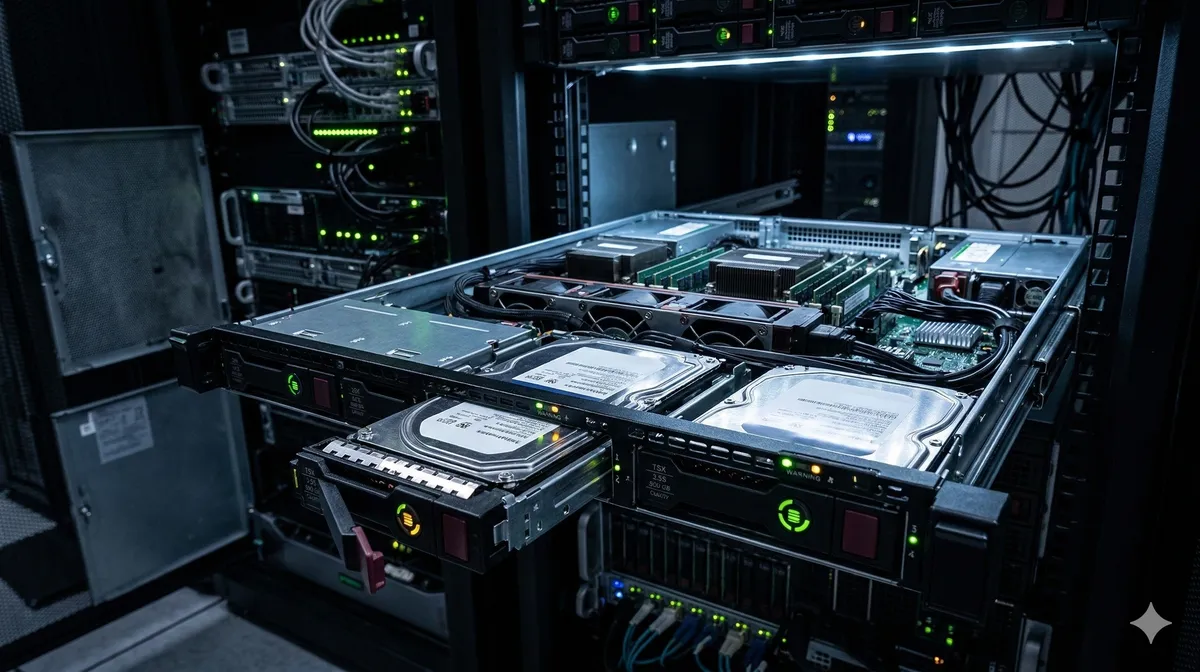
Imagine this: you walk into the office on a Sunday morning to find the company’s main storage server completely unresponsive. The LED status lights are flashing red. Four hard drives that hold every project your team has worked on for the past 3 years—video productions, client campaigns, financial records—are trapped inside a dead machine.
This is the nightmare that an IT manager at a media production company experienced when their storage server, configured as a 4-disk RAID 0 array, collapsed without warning.
At Datacodex, we understand the enormous pressure and panic that hits businesses when operations grind to a halt and projects vanish overnight. If you’re facing a server array collapse, a system failure doesn’t mean evaporated data—it means the data is scattered and needs advanced engineering intervention to reassemble. Here’s how we rescued this company’s entire archive from the brink.
The Problem: A Single Clicking Drive Brought Down Everything
Why RAID 0 is the most dangerous configuration:
RAID 0 distributes data in alternating stripes across all drives for maximum speed—but offers zero redundancy. Unlike RAID 5 or RAID 6, there’s no parity data to reconstruct missing information. If any single drive in a RAID 0 fails, the entire array collapses instantly.
What happened:
- One of the four drives (Drive 3) developed a mechanical failure—its read/write heads crashed, producing the classic clicking sound.
- The RAID controller, unable to read Drive 3, took the entire array offline.
- The IT manager, under pressure to restore service quickly, attempted to rebuild the array through the RAID controller’s management interface—a catastrophic mistake that wrote new metadata over the original RAID configuration.
The Diagnosis: Four Drives, Each with Its Own Challenge
When the server’s four drives arrived at our lab, we assessed each one individually:
| Drive | Status | Issue |
|---|---|---|
| Drive 1 | 🟢 Functional | Readable with minor bad sectors |
| Drive 2 | 🟢 Functional | Readable, no issues |
| Drive 3 | 🔴 Mechanical failure | Head crash — clicking, unreadable |
| Drive 4 | 🟡 Degraded | Firmware instability, intermittent access |
The critical challenge: Drive 3’s mechanical failure made it impossible to read using standard methods. Without 100% of the drives readable, a RAID 0 array cannot be reconstructed—every single stripe of data is essential.
The Solution: A Multi-Phase Engineering Operation
Phase 1: Rescuing Drive 3 (Head Swap)
- Head map analysis: We analyzed Drive 3’s head map configuration to source a precisely matched donor drive. In modern drives, individual heads are mapped to specific platter surfaces—an incompatible head won’t read correctly.
- Cleanroom head transplant: Inside our cleanroom, we replaced the crashed head assembly with a compatible donor set.
- PIO Mode extraction: After the head swap, we did not attempt standard UDMA-speed reading. Instead, we used PIO Mode on PC-3000—an ultra-slow, ultra-safe reading mode that reads one sector at a time, minimizing stress on the new heads and giving us maximum data yield from the damaged platters.
Phase 2: Stabilizing Drive 4
Drive 4’s firmware instability was causing it to disconnect randomly during reads. We wrote temporary patches to its firmware service area to stabilize it long enough for a complete sector-by-sector image.
Phase 3: Virtual RAID Assembly
With all four drives successfully imaged, we now faced the real puzzle: rebuilding the RAID 0 array virtually.
The IT manager’s earlier rebuild attempt had overwritten the original RAID metadata (stripe size, disk order, offset). We had to determine these parameters from scratch:
- Stripe size detection: By analyzing data patterns across the four disk images, we identified the correct stripe size (64KB).
- Disk order reconstruction: We tested different drive order combinations to find the sequence that produced coherent file headers.
- Offset calibration: We determined the exact sector offset where actual data began (past the RAID metadata area).
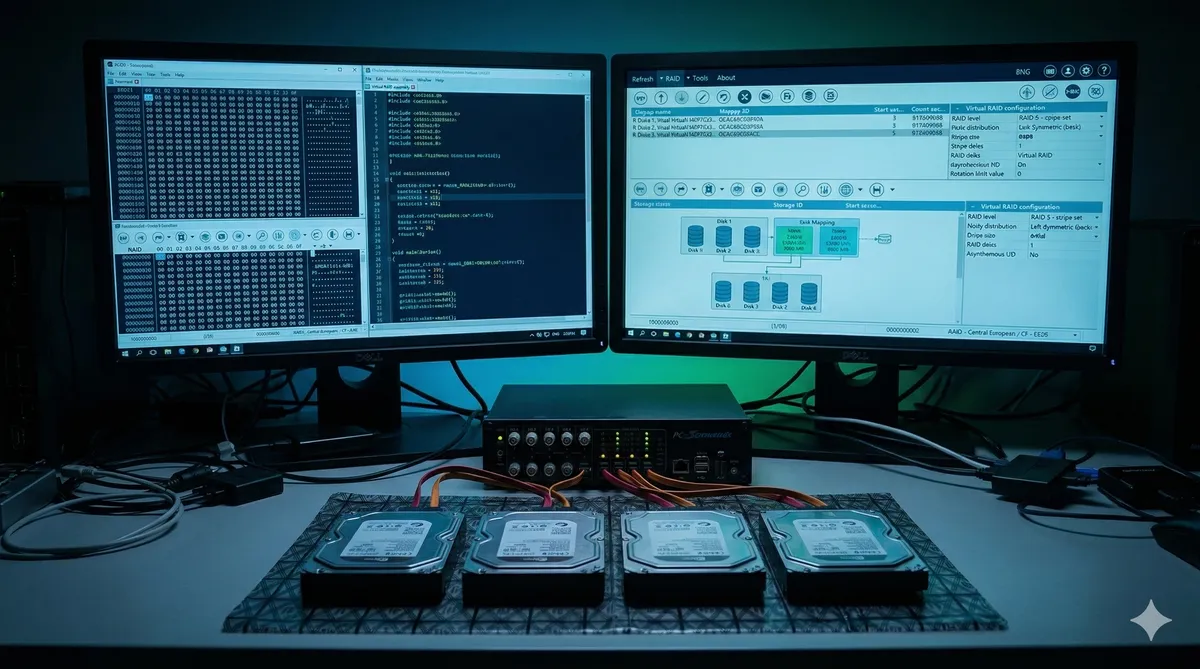
- Virtual assembly: Using PC-3000 RAID software, we assembled the four images into a single virtual RAID 0 volume and mounted the file system.
The Result
- Recovery rate: 98% — the 2% loss was limited to sectors on Drive 3’s most severely damaged platter areas.
- Data volume: Over 8TB of video productions, client campaigns, design files, and financial records.
- Delivery: Complete data delivered on a new NAS device within 5 business days.
The Lesson: RAID 0 = Speed Without a Safety Net
This case highlights critical lessons for any business using RAID:
- RAID 0 is NOT a backup. It’s purely a speed configuration. One drive failure = total collapse.
- Never attempt a RAID rebuild through the controller after a failure—this overwrites metadata and makes recovery exponentially harder.
- Every drive in a RAID 0 is irreplaceable. Even a mechanically failed drive can often be recovered with proper cleanroom techniques.
- Invest in RAID 5/6 or RAID 10 for any production data, and maintain offline backups.
Is your company’s server down? Contact the Datacodex corporate emergency team immediately. Every minute counts.